Online consultations your patients can join from any phone
Video or voice-only visits in the browser, paid before they start, with reminders, a session timer and transcription only when the patient agrees.
Video calls on WhatsApp or a free meeting link don’t make a practice
- Patients don’t pay until after the call, or not at all.
- Links get lost, and people join the wrong meeting.
- There is no record of the visit alongside the patient’s notes.
- Some patients don’t want to be on camera at all.
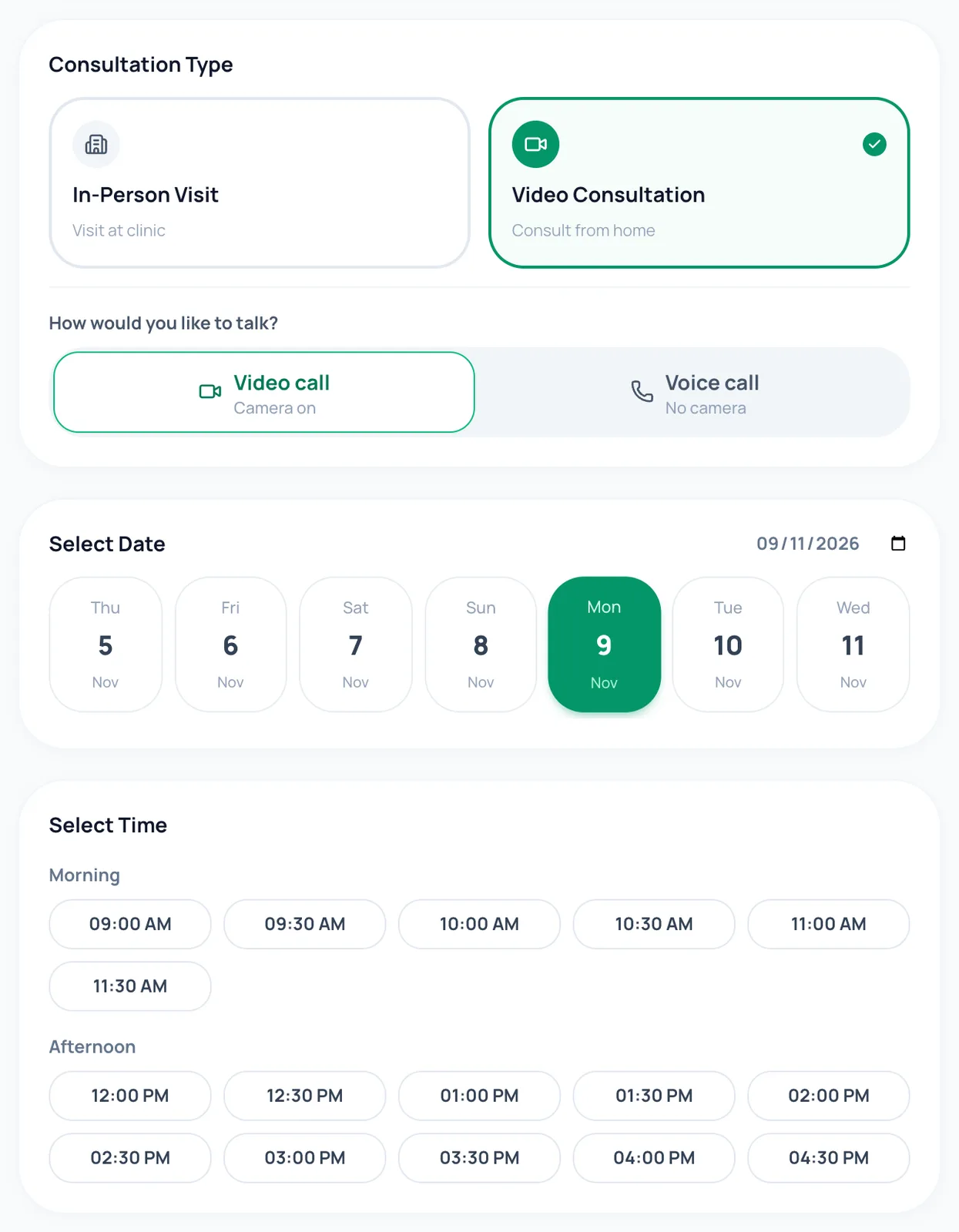
Video or voice, chosen when they book
Patients pick a video call or a voice-only call when they book. They join from their phone’s browser with one tap: no app to install and no meeting link to find.
In short
- Voice-only visits are marked as such, so patients know no camera is needed
- The join button is in the reminder and in My Appointments
- Works on an ordinary mobile connection
Paid before the call starts
Online visits are paid by UPI, card or netbanking when booked. A patient who hasn’t paid can’t join, and unpaid visits are released automatically at the deadline your clinic sets.
In short
- Reminders a day and two hours before, by SMS or WhatsApp
- Payment reminders before the deadline
- Invoices patients can download
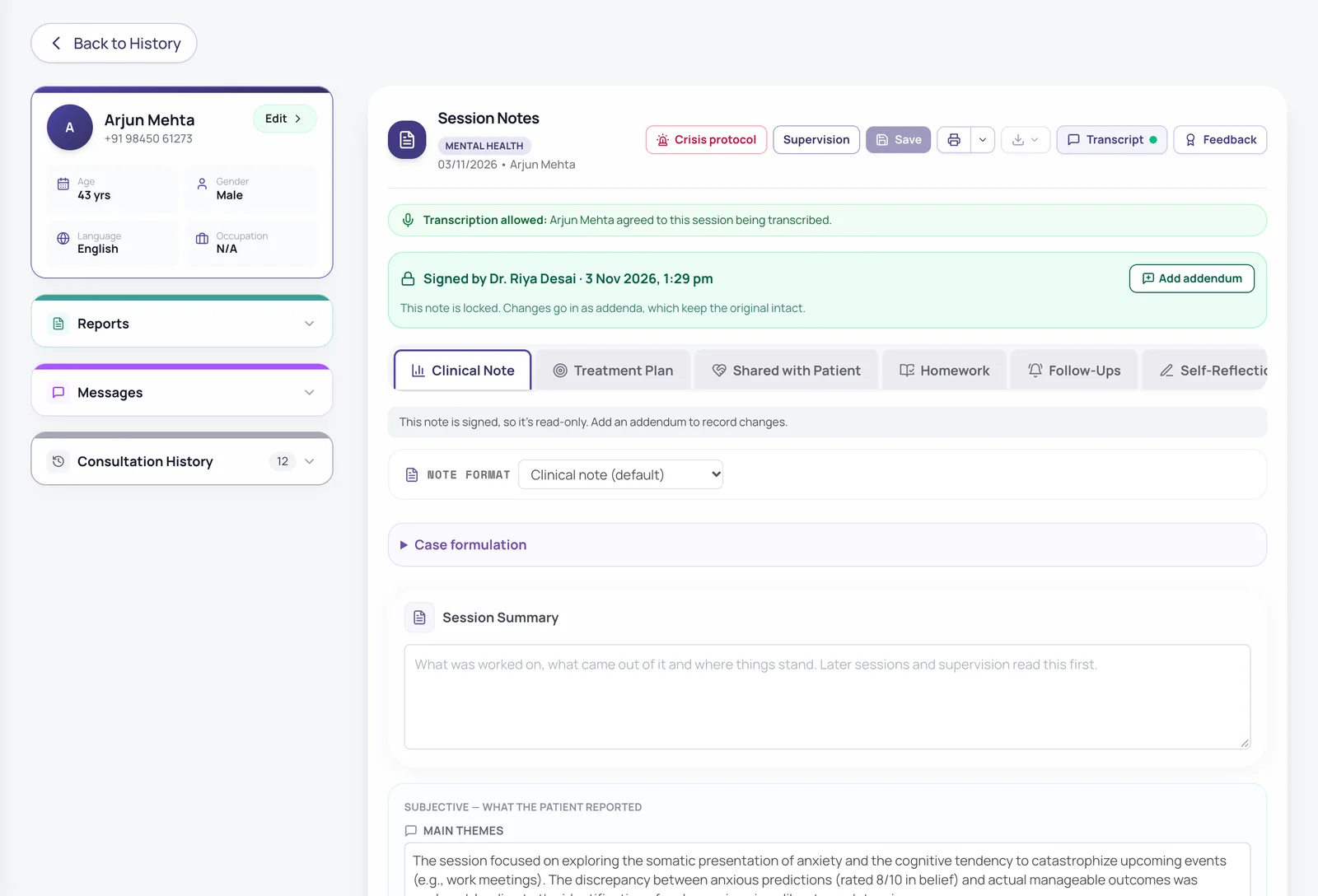
Transcription only with consent
Before the call, the patient sees a plain-language notice and chooses whether the session is transcribed. Saying no never stops the visit. When they agree, the audio is deleted once the written notes exist.
- Consent is recorded with time and notice version
- Patients can change their mind
- Notes reach you, never the raw audio
Session timer and extensions
A countdown shows how much of the slot is left. If you need a few more minutes, extend the session; the number and length of extensions are set for your clinic.
In short
- Join window opens shortly before the slot
- Missed visits marked as no-shows
- Messages with the patient between visits
Also included
Reliable video
Calls run on established video services, with an automatic backup if one is unavailable.
No screen sharing
Your screen, with other patients’ details, is never shared by accident.
Share a tool in the call
Send a worksheet or exercise to the patient’s phone for after the session.
Repeat sessions
Book weekly or fortnightly visits in one go.
How it works
- 1
Turn on online visits and set your hours.
- 2
Patients book and pay online.
- 3
Both of you get reminders with the join button.
- 4
Hold the session; notes and any transcript land in the patient’s file.
Frequently asked questions
Does the patient need to download an app?
No. The call opens in the phone’s browser from the reminder or from My Appointments.
Can a patient join without video?
Yes. They can book a voice-only call, and on a video call their camera stays off until they turn it on.
Are sessions recorded?
Only to make a written transcript, only when the patient agrees, and the audio is deleted once the transcript exists. Patients who say no still have their session.
Which payment methods work?
UPI, cards, netbanking and wallets through Razorpay. Your clinic chooses which methods to offer.
Is every feature switched on from day one?
The essentials are on as soon as you sign up. Clinical and advanced features (questionnaires, safety plans, AI notes, supervision and so on) are switched on for your practice when you want them. Tell us what you need and we will turn it on.
How much does it cost?
Pricing depends on how many clinicians you have, the billing cycle you choose (monthly, quarterly, half-yearly or yearly) and whether you want AI features as a monthly add-on or pay per AI session. Start with a free trial, or send us a message and we will share a quote.
Try it with your own practice
Start a free trial, or tell us about your practice and we will share pricing and switch on the features you need.